





Connect your bank account
When your bank account is connected, your transactions come into Taxmo automatically. That means less typing and fewer missed payments.
1. Start the connection
Choose your bank in Taxmo and follow the steps. You log in and give permission in your bank's own secure environment.
2. Wait for your transactions to load
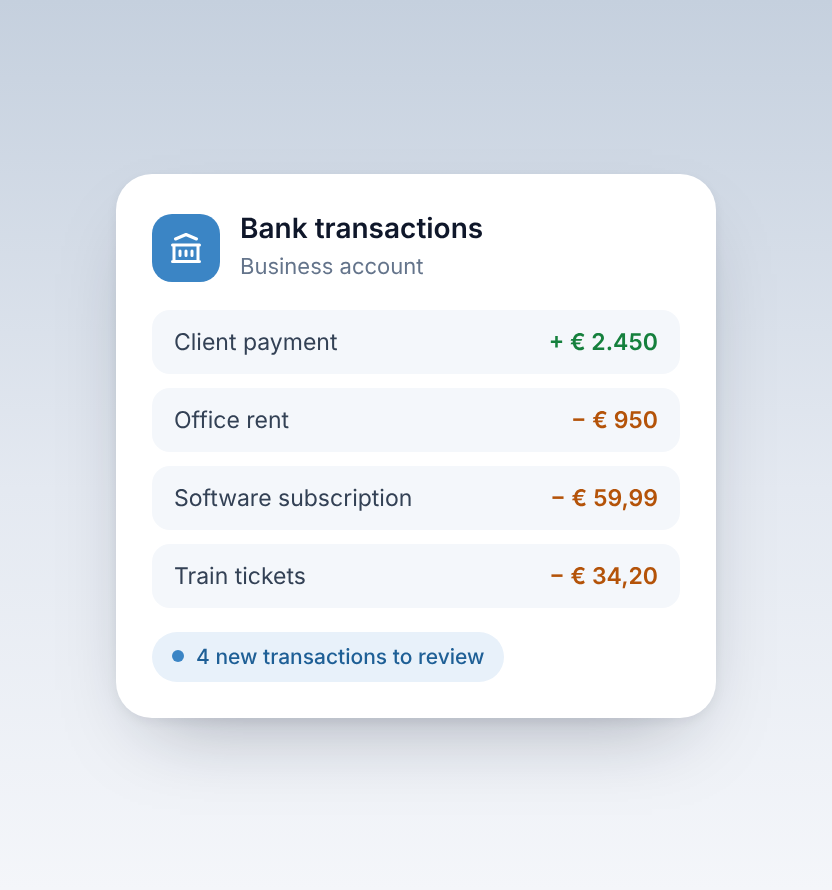
Once connected, your recent incoming and outgoing payments appear in Taxmo.
3. Review new transactions
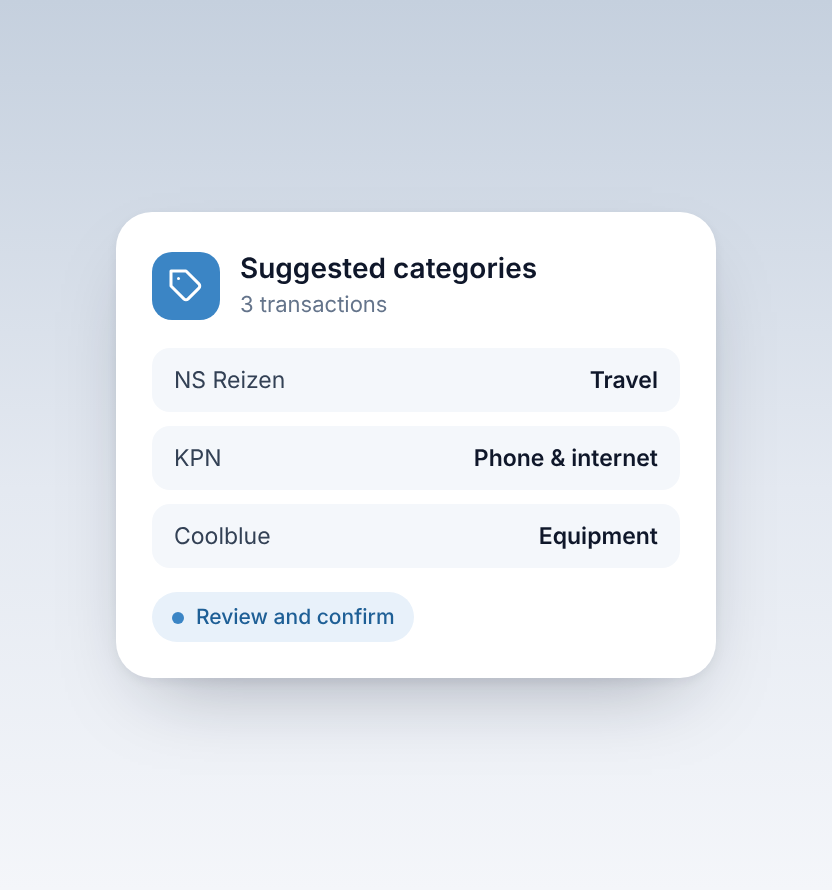
Check each new transaction and confirm its category. Taxmo suggests a category to save you time, and you stay in control of the final choice.
4. Match payments
Link incoming payments to your sales invoices and outgoing payments to the receipts or purchase invoices behind them. Matched transactions keep your VAT and profit figures complete.
Tip
Review new transactions every week or two. A few minutes regularly is much easier than a whole quarter at once.


