



INVOICING AND QUOTES
From “sounds good” to a professional invoice
Create clear quotes, collect client approval, and turn agreed work into invoices without entering the same details twice.
4.8/5
from 124+ reviews

The basics
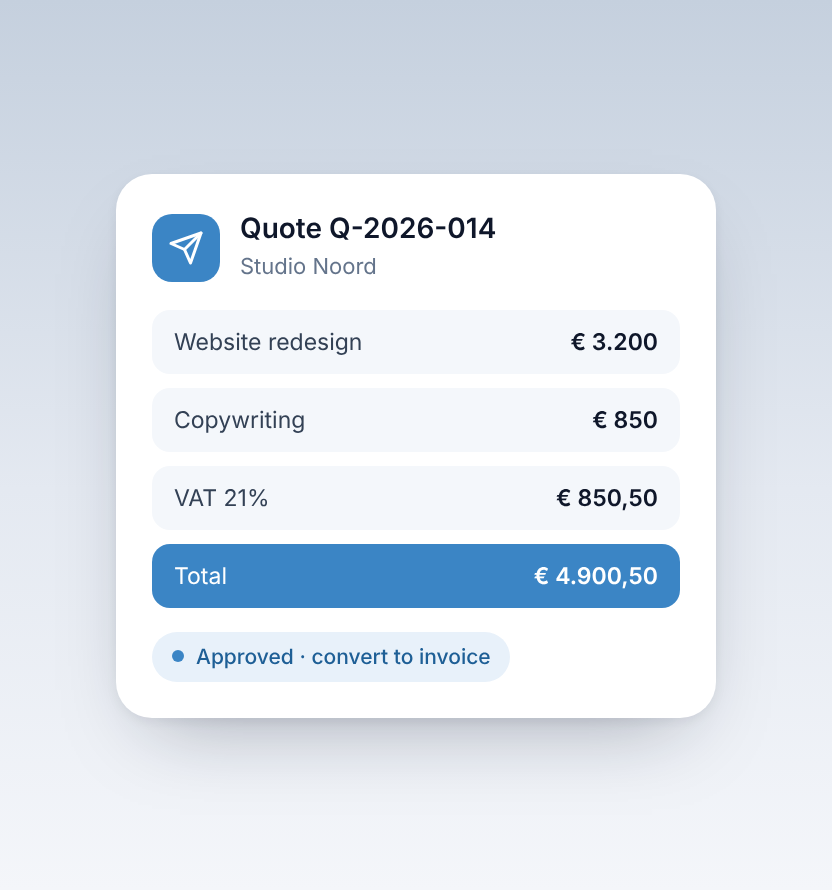


Give clients a clear picture of the work
A quote explains what you will deliver and what it will cost. An invoice records what the client needs to pay. Keeping them connected makes it easier to follow a job from agreement to payment.

Your numbers, this quarter



How it works
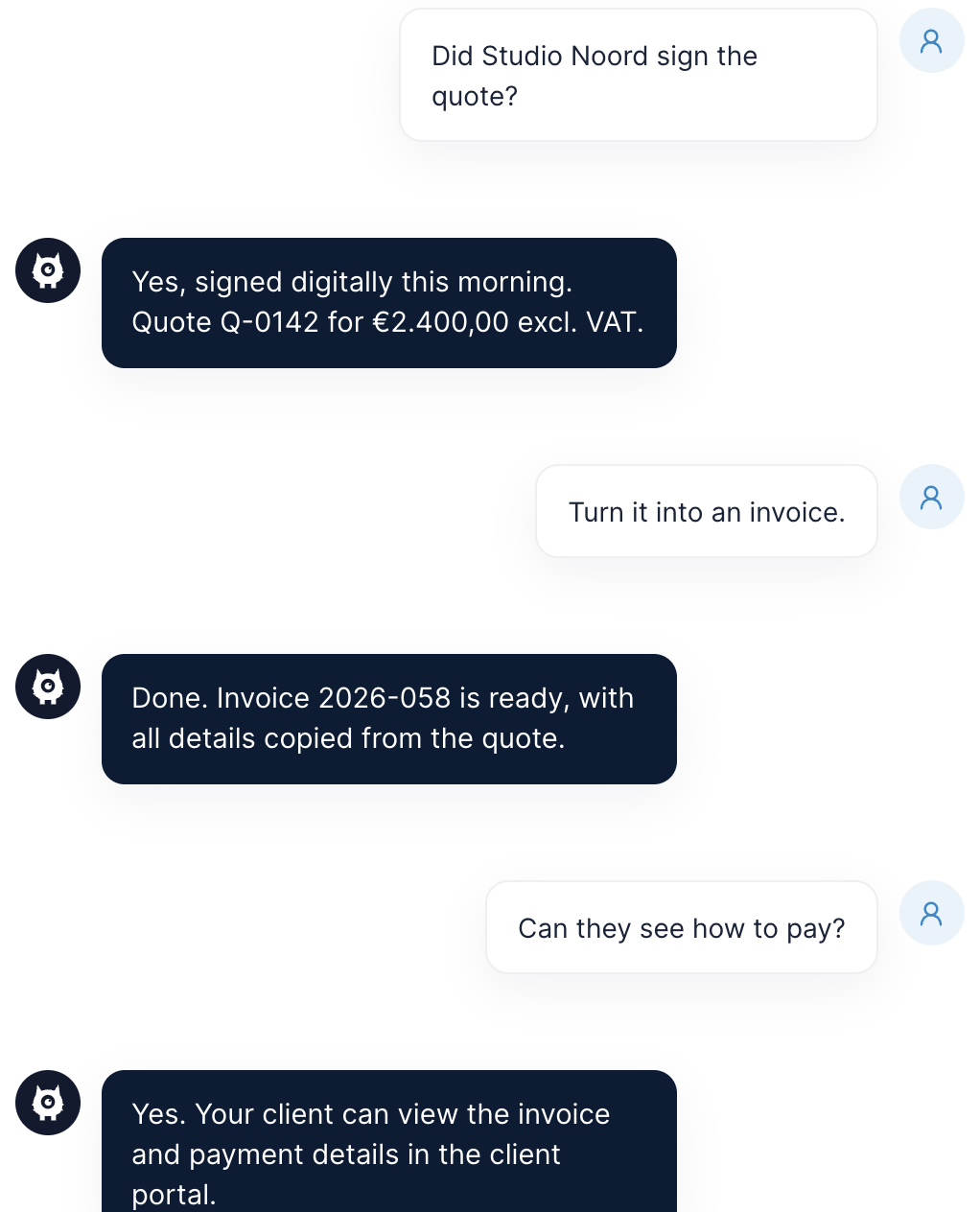
From quote to paid invoice
How Taxmo helps
What Taxmo helps you do
Why people trust Taxmo
Built for people who'd rather not become tax experts

Tax knowledge built in
Taxmo works out your BTW rubrieken and walks you through each filing step by step. You get clear answers, not jargon.
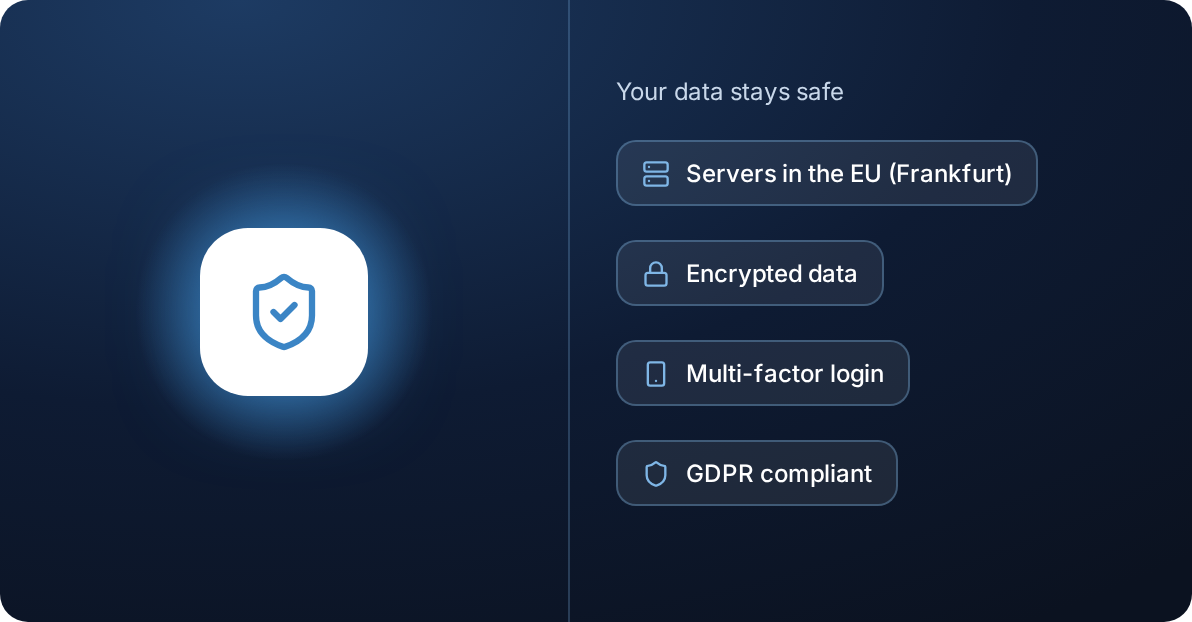
Your data stays safe
Servers and database in the EU (Frankfurt), encrypted data, multi-factor login and GDPR compliance.
Reviews
What Taxmo users say
“
I started using Taxmo after doing in-depth research on what's out there. I wanted a smart, cost-effective tool to handle my ZZP admin, and I couldn't be happier that I found them. It's been smoother and easier than I expected, mostly because of the team behind it: they listen, and they adapt quickly. What I like most are the built-in functions that guide you through Dutch taxes, explained in plain English for normal people.
Kata
Freelance Talent Expert @Báró


Frequently asked questions
Quick answers about Taxmo, your account, filing and billing.
What is the difference between a quote and an invoice?
A quote proposes the work and price. An invoice requests payment for the relevant goods or services.
Can clients sign a quote digitally?
Yes. Taxmo supports digital signing through a client portal.
Can I turn a quote into an invoice?
Yes. Taxmo supports quote-to-invoice conversion after signing.
Can I invoice international clients?
Yes. Check the currency, customer details, and VAT treatment before sending.


