



VAT (BTW) RETURNS
VAT in the Netherlands, in plain English
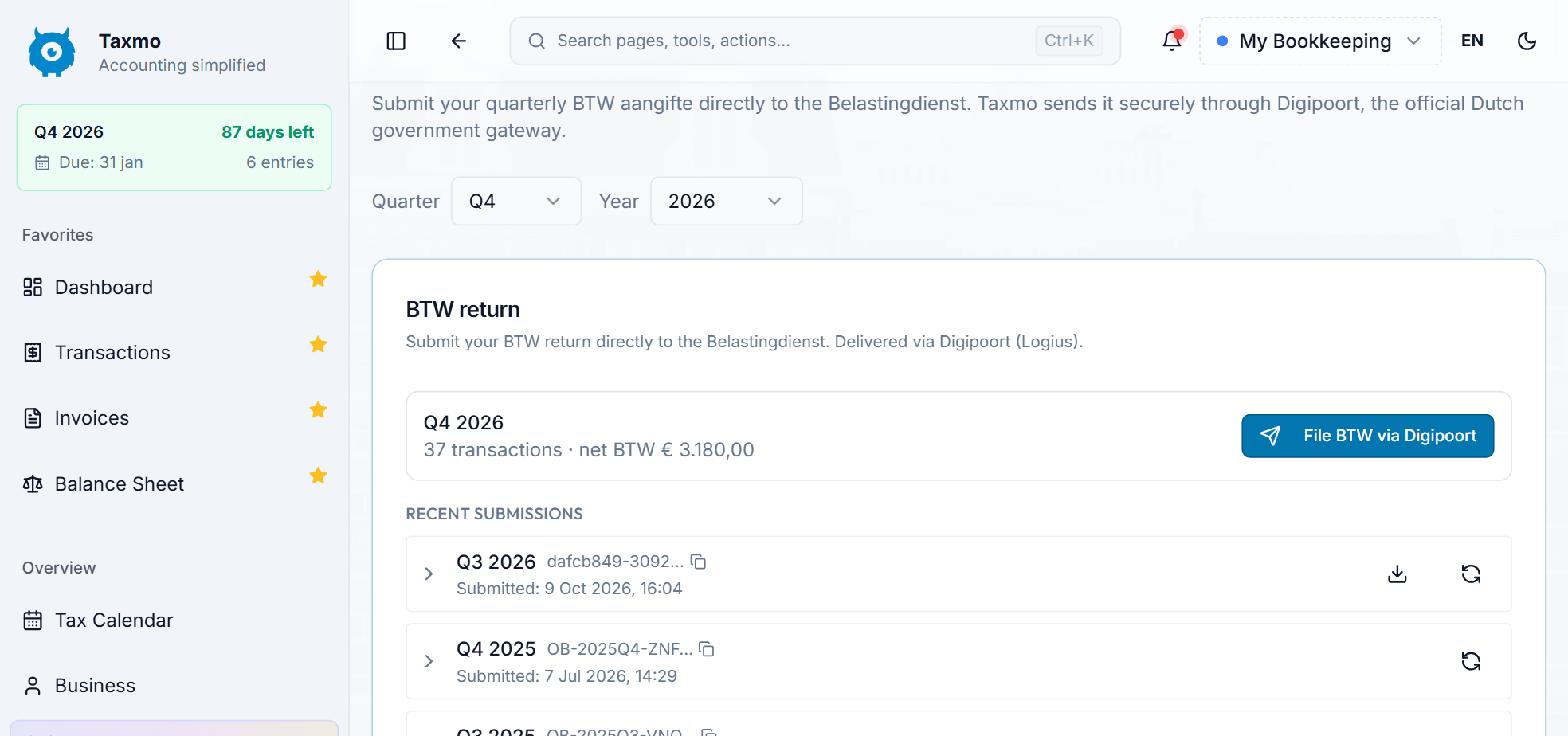
Keep track of the VAT you charge and the VAT you can reclaim on eligible business expenses. Taxmo automatically categorizes your transactions and brings the figures together in your VAT return, ready for you to review and submit.
4.8/5
from 124+ reviews


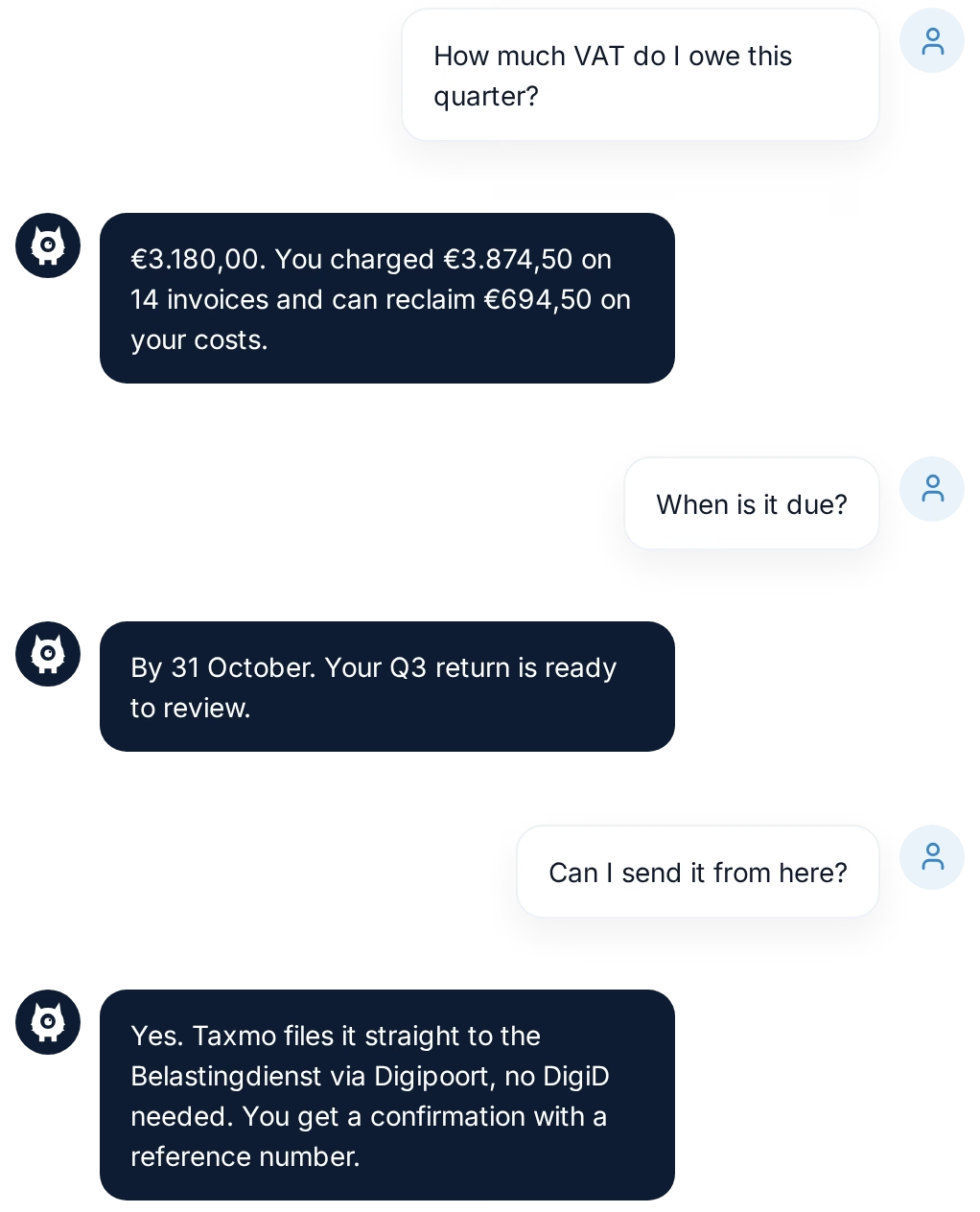
Your VAT, this quarter



How it works
From transactions to a submitted return
- Add your invoices, receipts, and other business transactions as you go.
- Taxmo automatically categorizes your entries and calculates your VAT position, so you can see how much you owe or can reclaim.
- When it's time to file, review the figures and check the transactions behind them.
- Submit your VAT return directly from Taxmo.
How Taxmo helps
What Taxmo helps you do
Why people trust Taxmo
Built for people who'd rather not become tax experts

Tax knowledge built in
Taxmo works out your BTW rubrieken and walks you through each filing step by step. You get clear answers, not jargon.
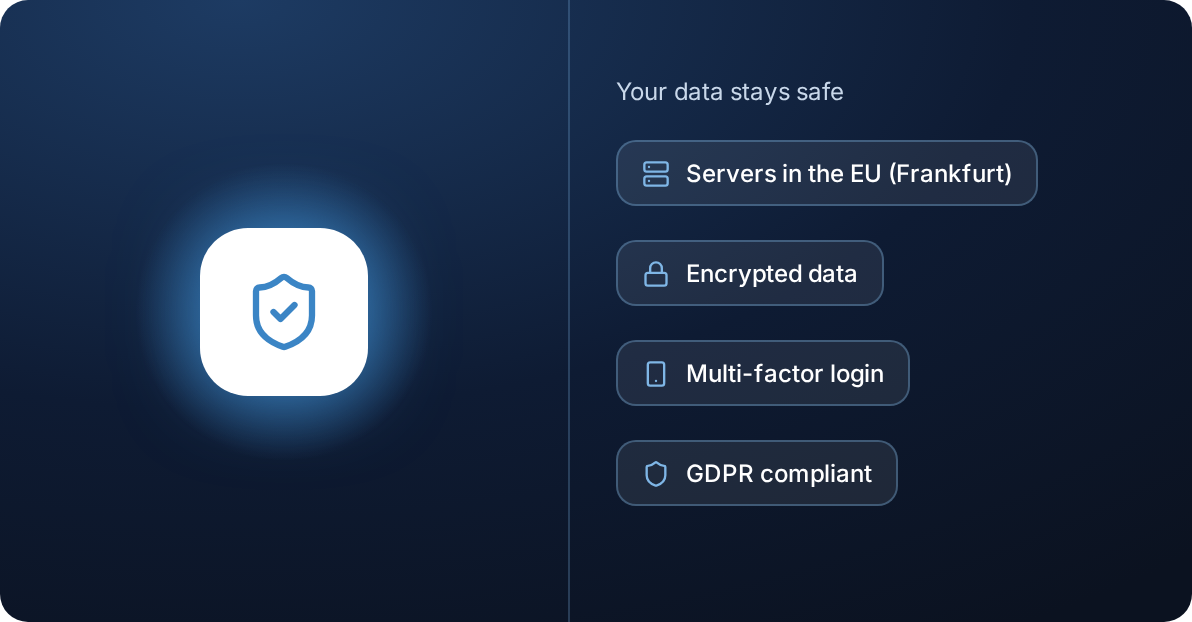
Your data stays safe
Servers and database in the EU (Frankfurt), encrypted data, multi-factor login and GDPR compliance.
Reviews
What Taxmo users say
“
As an expat journalist working with international media outlets, navigating the Dutch tax system can be challenging. Taxmo has made this process straightforward and easy! Taxmo AI helps clear up much of the uncertainty, and the support team is always easy to reach when I need help.
Independent Journalist
Taxmo User

Frequently asked questions
Quick answers about Taxmo, your account, filing and billing.
What is a BTW return?
BTW is the Dutch term for VAT. Your BTW return reports the VAT you charged on sales and the VAT you can reclaim on eligible business expenses.
How does Taxmo prepare my VAT return?
Taxmo uses your recorded invoices, expenses, and other transactions to calculate your VAT position and organize the figures into the sections of the Dutch VAT return. You can review them before submitting.
Does Taxmo categorize my transactions automatically?
Yes. Taxmo automatically categorizes your transactions to reduce manual work. You can review the categories and make changes where needed.
Can I submit my VAT return directly from Taxmo?
Yes. Once you've checked your figures, you can submit your VAT return directly from Taxmo.
Can I check where the totals come from?
Yes. You can review the transactions behind your VAT totals, helping you check that your bookkeeping is complete before you file.


