


TAXMO KANTOOR · FOR ACCOUNTANTS
Your clients’ bookkeeping, tax returns and filings. One place.
Manage your clients’ bookkeeping, prepare tax returns, run payroll and file annual accounts from Taxmo Kantoor. Automated booking suggestions, a shared work queue and a branded client portal help your firm spend less time entering data and chasing documents. Your first 2 clients are free.
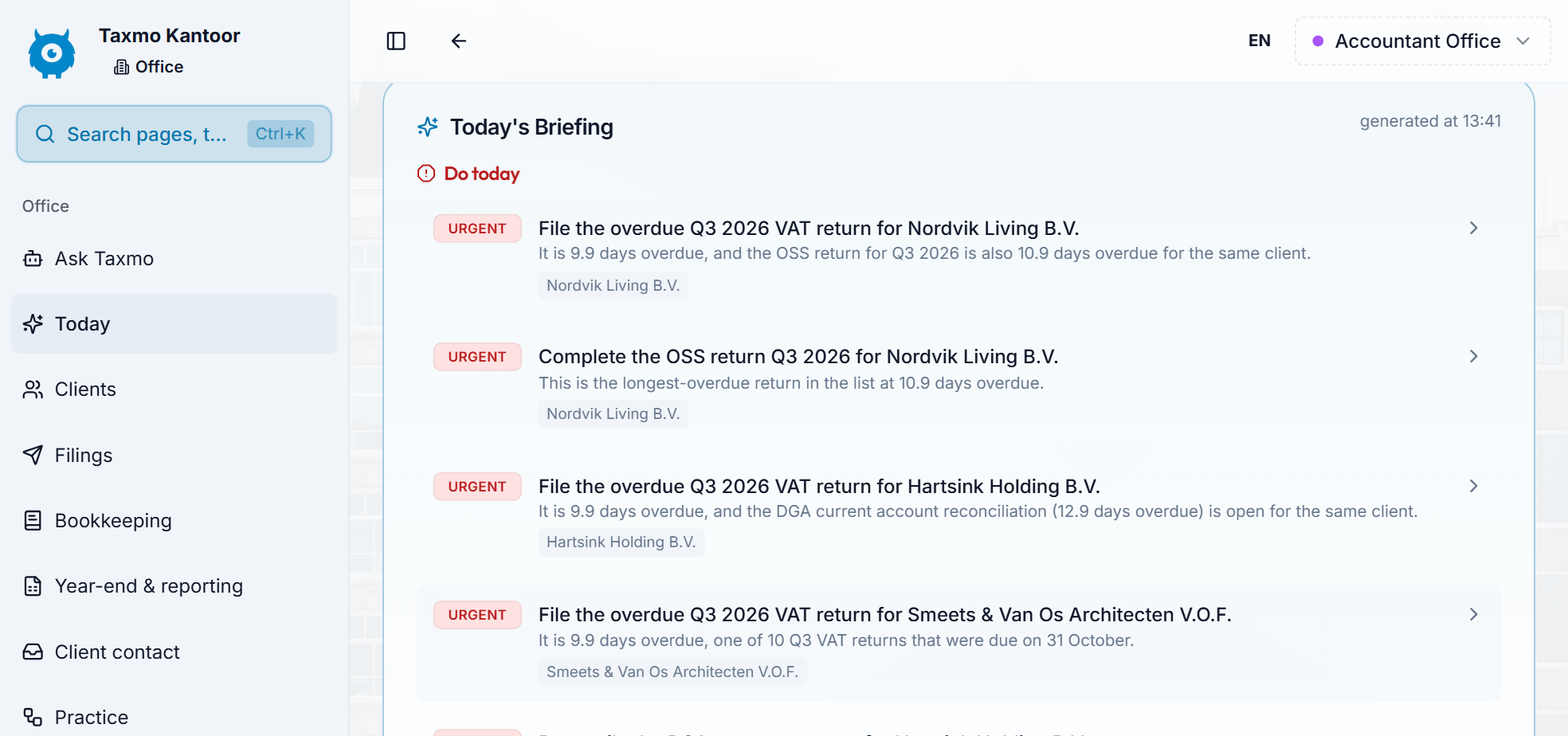

SEE IT IN ACTION
Taxmo Kantoor, from client list to filed returns
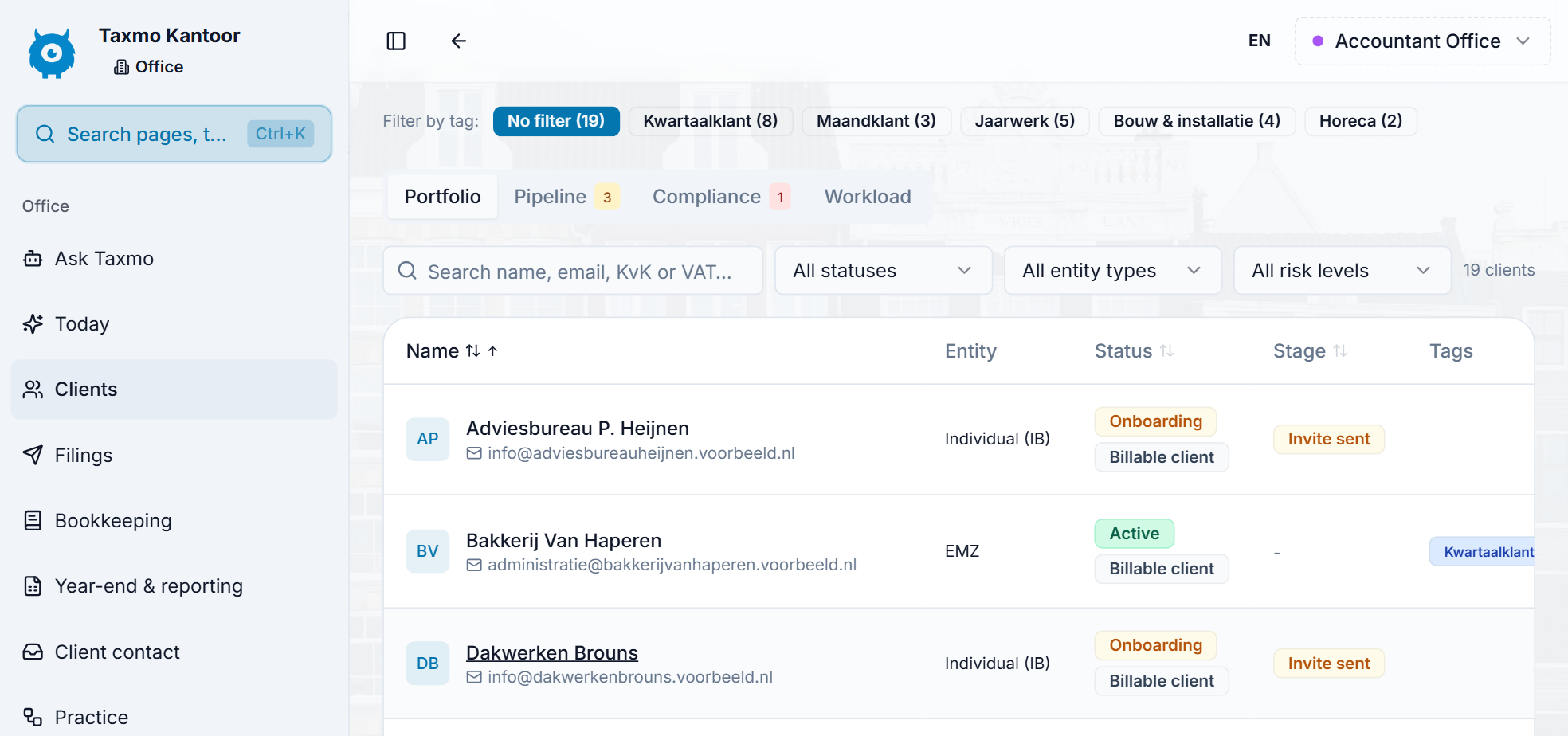

Every client’s work in view

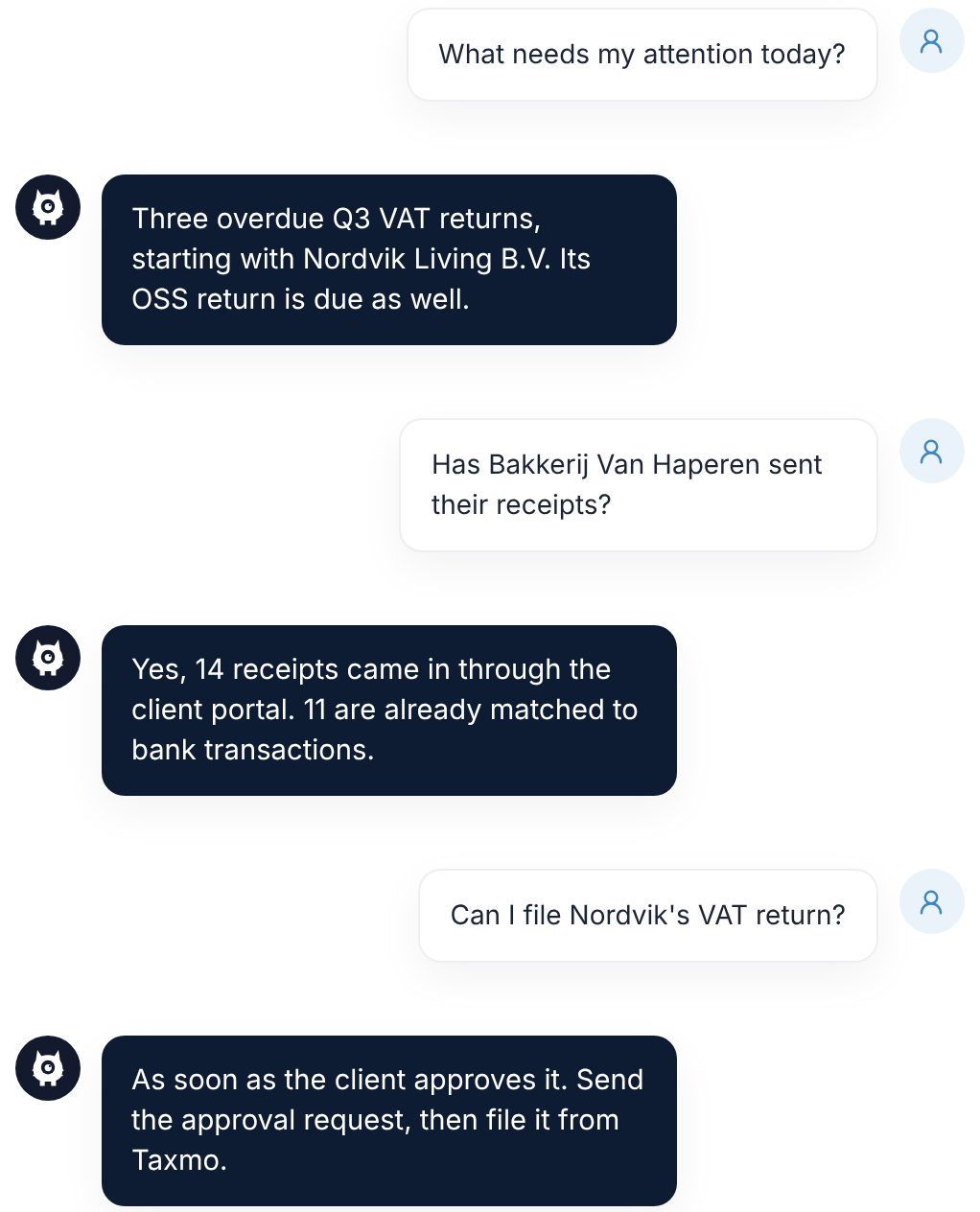


How it works
From client list to filed returns
- Add your clients. Enter their details or import your client list, and invite them to the portal when you’re ready.
- Bring in their records. Connect bank feeds, import existing data and collect receipts through the client portal.
- Review suggested entries. Work through outstanding bank transactions across all your clients in one queue.
- Get approval and file. Request client approval, submit from Taxmo and track the response from the Belastingdienst or KVK.
How Taxmo helps
What Taxmo Kantoor helps you do

Review bookkeeping across all clients

Prepare and submit tax returns

Complete annual accounts and KVK filings
Access and records under control
Built for the way accounting firms work

Audit history and team permissions
An append-only audit log, kept for seven years. Assign roles, require two-step verification and restrict access with an IP allowlist.
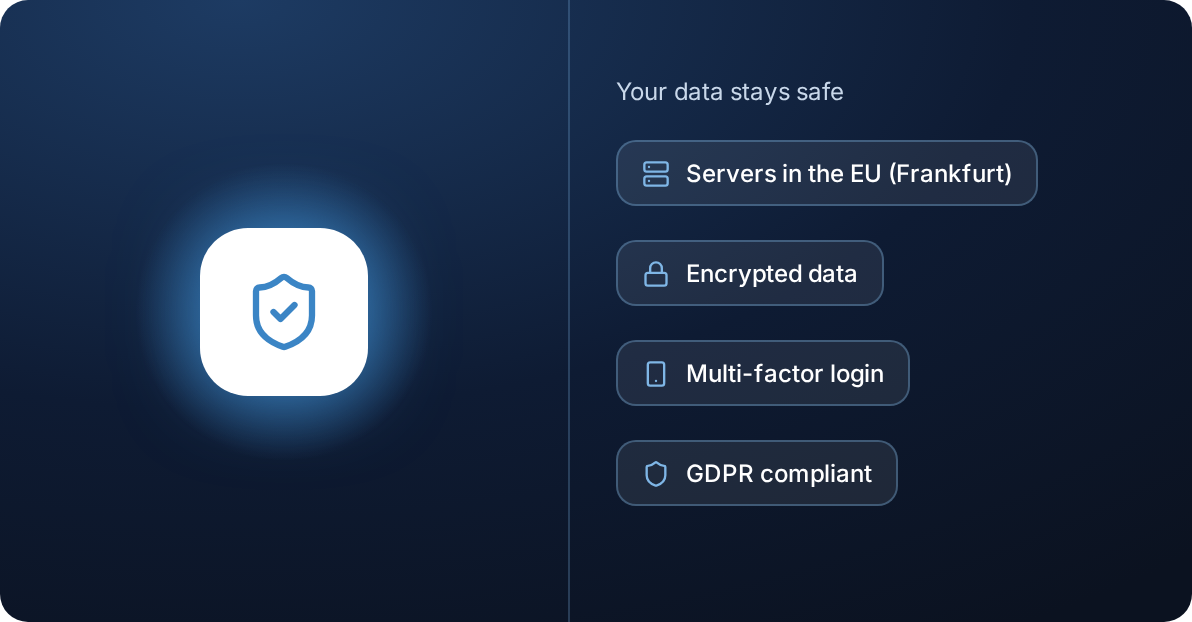
European hosting and encryption
Hosted with AWS and Neon in Frankfurt, with a standby server in Ireland. TLS connections and extra AES-256 encryption for BSNs and IBANs.


Frequently asked questions
Quick answers about Taxmo Kantoor, pricing and filing.
What does Taxmo Kantoor cost?
Your first two clients are free. Monthly pricing then starts at €9.95 per client, decreasing to €7.95 for clients 26–75 and €5.95 from client 76 onward. Prices exclude VAT, and the tiers apply progressively. There is no base or activation fee.
Can I use Taxmo only to file a client’s tax return?
Yes. Mark the client as filing-only. They fall outside your monthly client count, and you use prepaid filing credits: €15 per IB return, €25 per VPB return, or 20 credits for €99, 100 for €399 and unlimited for 12 months for €499 (excl. VAT).
What if my client already pays for Taxmo?
A client with their own paid Taxmo subscription costs your firm nothing under the monthly per-client pricing.
Do I need my own PKIoverheid certificate or Becon number?
No. Taxmo submits returns through Digipoort using its own PKIoverheid certificate. If your firm has a Becon number, you can include it with corporate income tax returns.
How do I move from my current bookkeeping software?
Import supported records through CSV or an XAF audit file, and import client lists from Twinfield, Exact, Yuki or Moneybird. Taxmo shows a preview before you confirm, and you can reverse an import batch while the period remains unlocked.


