

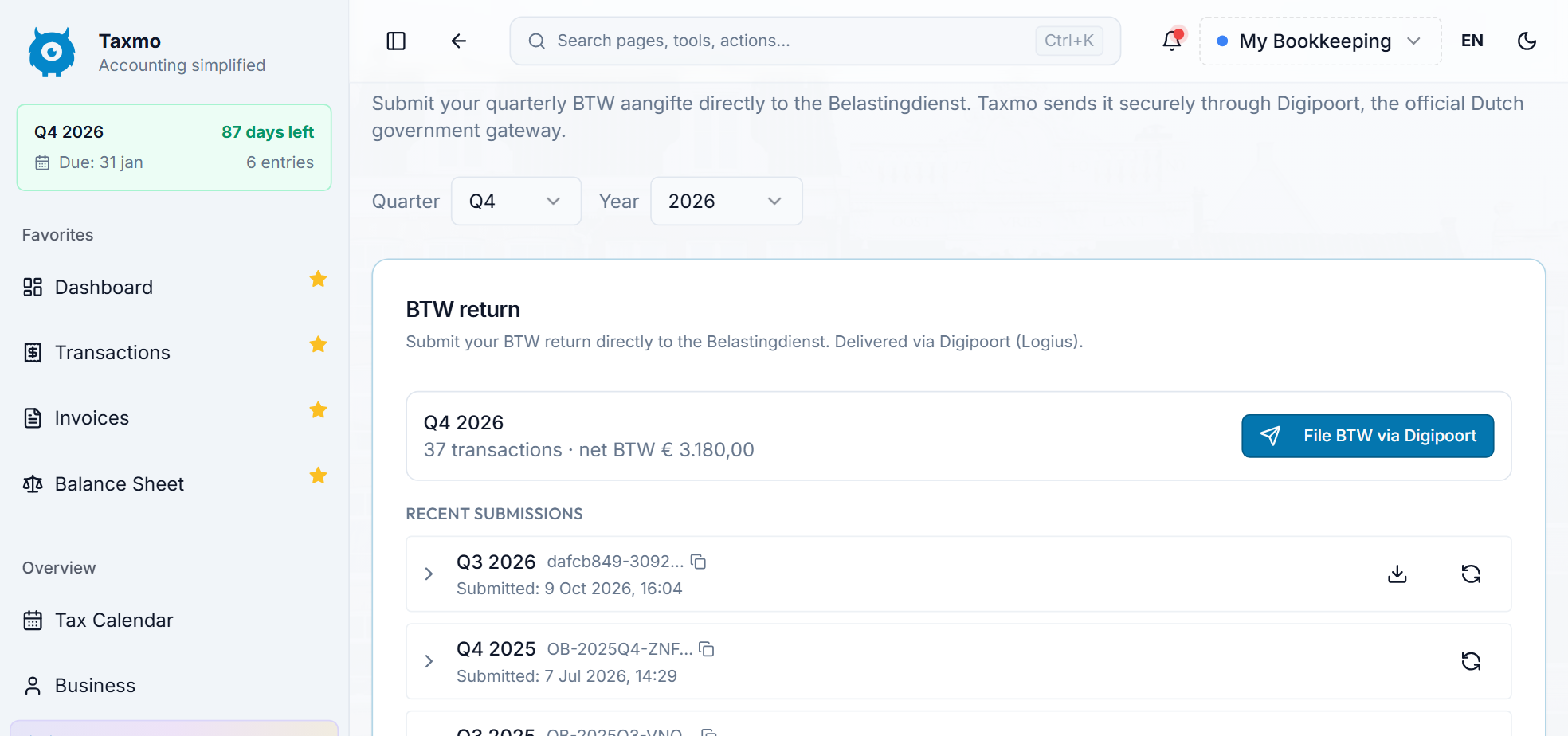





File your VAT return in Taxmo
Taxmo builds your VAT return from the bookkeeping you already keep. This tutorial walks you through the steps for a quarterly return.
1. Get your bookkeeping up to date
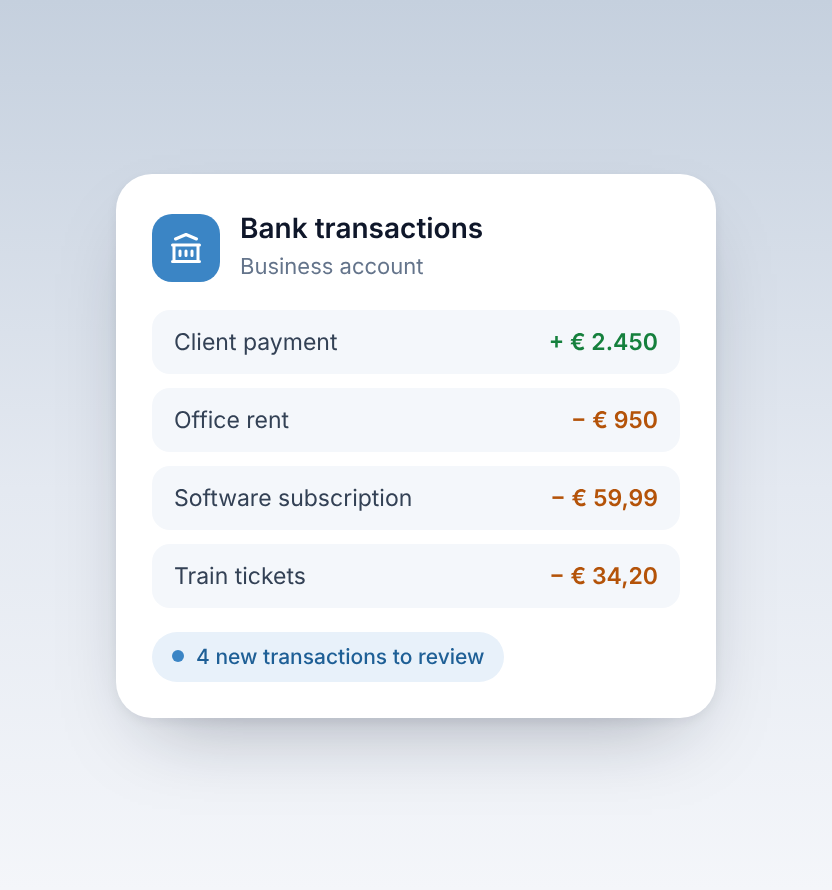
Make sure your sales invoices are in Taxmo, your receipts are added and your bank transactions for the quarter are reviewed. The more complete your records, the more accurate your return.
2. Open the return for the quarter
Taxmo calculates the amounts per section (rubriek) of the return, such as the VAT you charged and the VAT you can reclaim on business costs.
3. Check where every number comes from
Each amount in the return links back to the invoices, receipts and transactions behind it. If something looks off, fix it in your bookkeeping and the return updates.
4. Submit to the Belastingdienst
When you are happy with the figures, submit the return directly from Taxmo. You get a confirmation once it has been sent.
5. Pay on time
Filing and paying are separate steps. Pay the amount due before the deadline: 30 April, 31 July, 31 October or 31 January for quarterly filers.


