





Turn a quote into an invoice
With Taxmo you write the details once: in the quote. When your client agrees, the quote becomes the invoice.
1. Create the quote
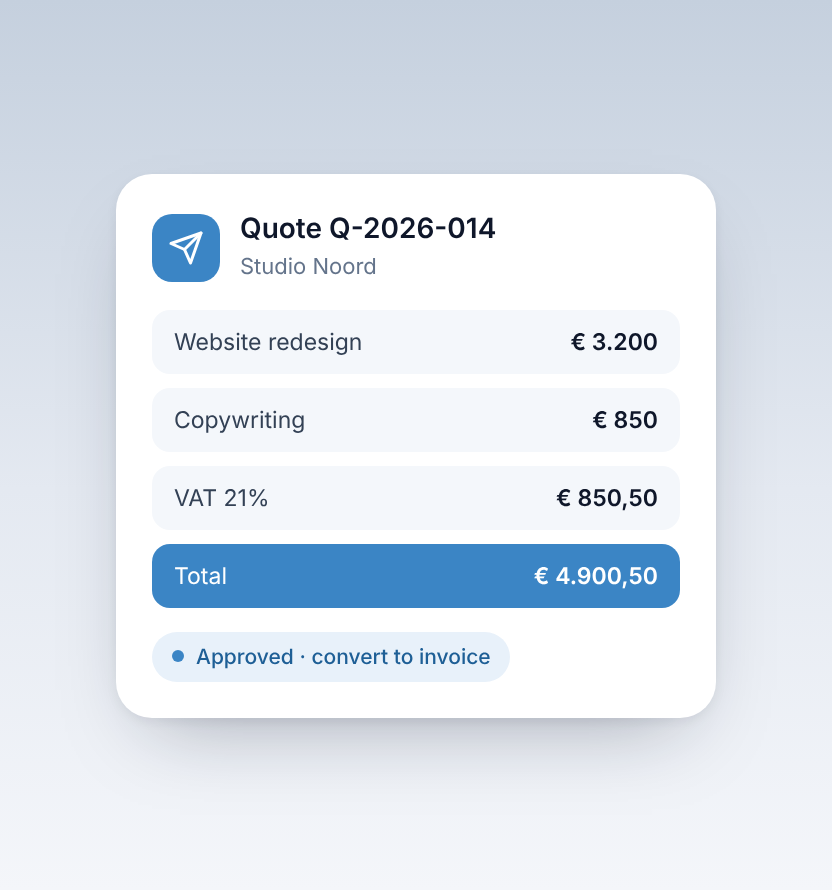
Add your client, describe the work, enter the amounts and choose the VAT rate. Taxmo calculates the totals for you.
2. Send it for approval
Send the quote to your client, who can approve it digitally.
3. Convert to an invoice
Once the quote is approved, turn it into an invoice. The client, lines and amounts are copied over, so you only check and send.
4. Follow up on payment
When the payment comes in, match it to the invoice so you always know what is still open.
Check your invoice details
Make sure your business details, KVK number and VAT ID are filled in, so every invoice you send is complete.


