






Scan a receipt with AI
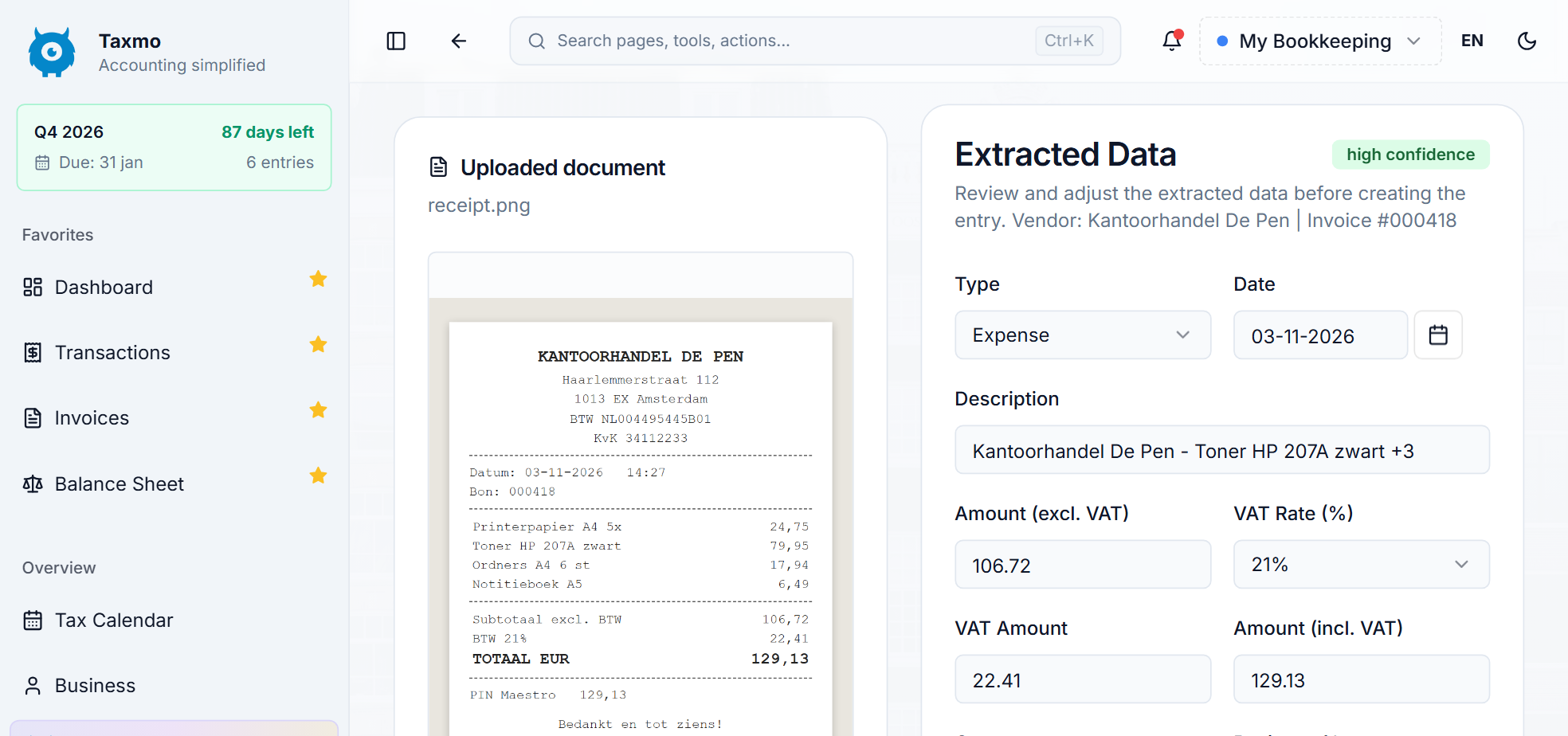
Instead of typing every receipt by hand, let Taxmo read it for you. You always review the result before it is saved.
1. Add the receipt
Take a photo with the Taxmo mobile app, or send the receipt via WhatsApp or email. You can also upload a file.
2. Let Taxmo read it
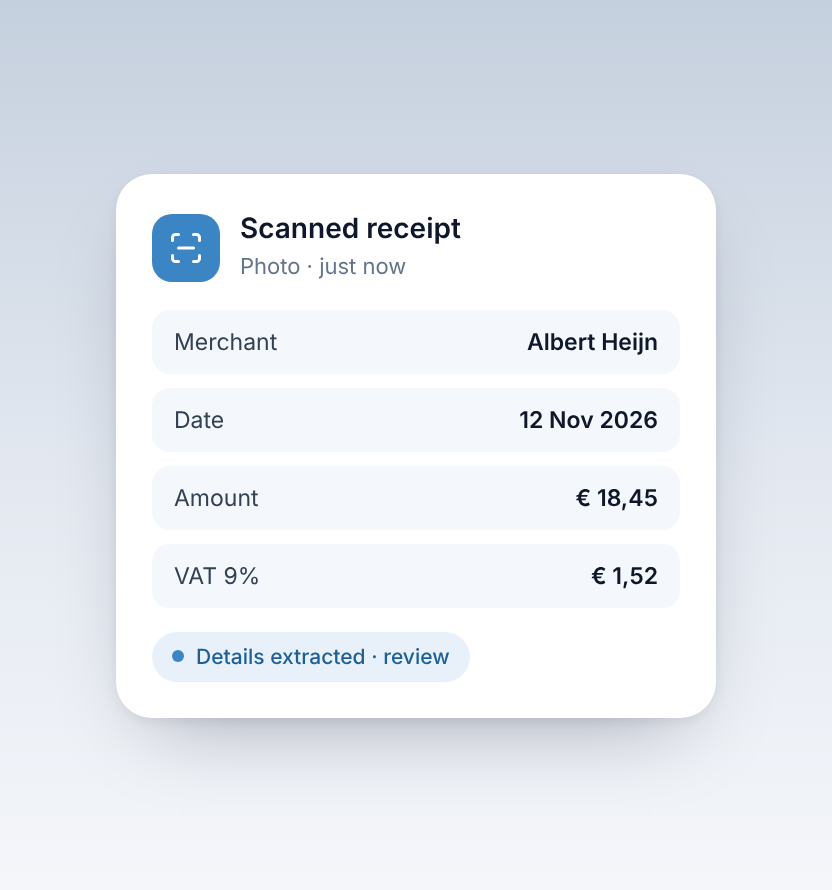
Taxmo picks up details such as the supplier, date, amount and VAT, and suggests a category.

3. Review the details
Check the amounts and the category. Correct anything that is not right before you save the expense.
4. Match it to the payment
Link the expense to the bank transaction it belongs to, so your records and your VAT return stay complete.
Keep the original
The receipt is stored with the expense, so you have the proof together with the booking when you need it.


