


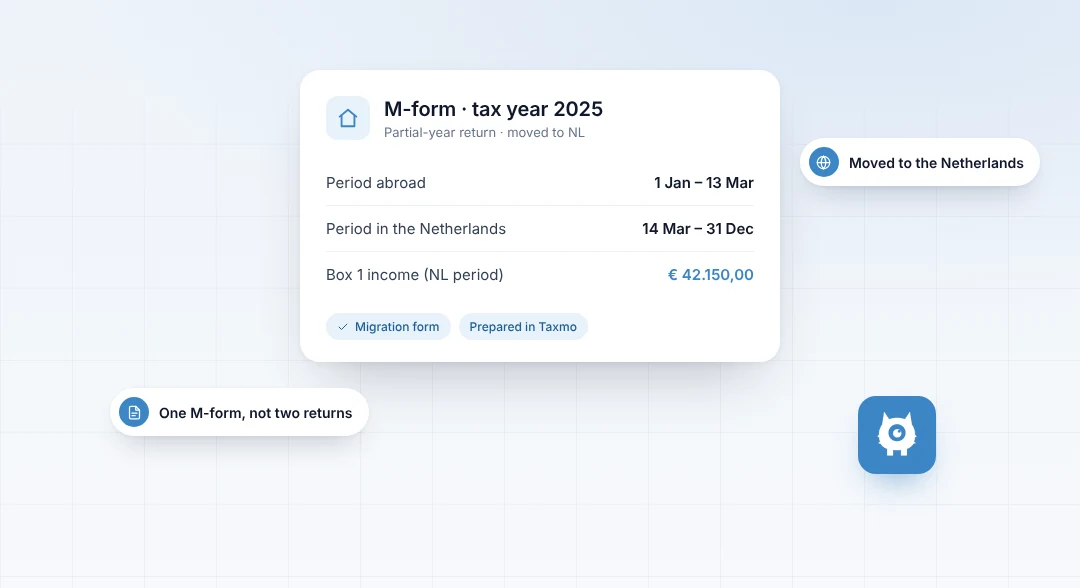



Set up a recurring invoice
If you bill the same client the same amount regularly, a recurring invoice saves you from creating it again each time.
1. Create the invoice details
Add the client, the description of the work, the amount and the VAT treatment, just like a normal invoice.
2. Choose the billing frequency
Pick how often the invoice should be created, for example monthly or quarterly, and the start date.
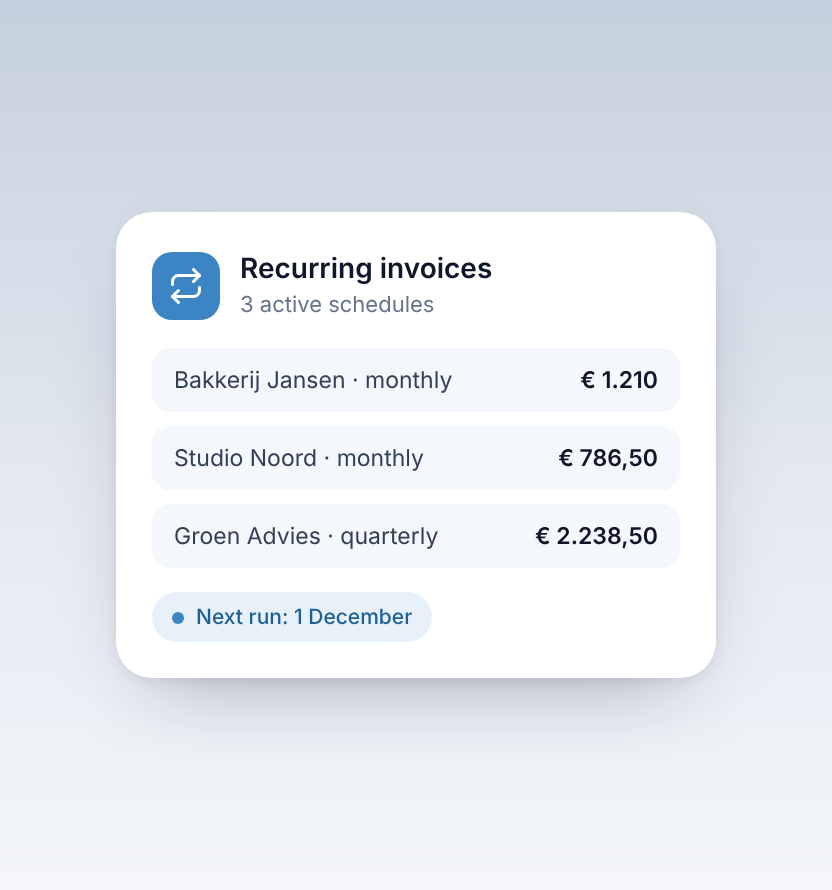
3. Let Taxmo create the invoices
Taxmo generates the invoices according to the schedule you set.
4. Update when your agreement changes
If your rate or scope changes, update the recurring setup so future invoices follow the new agreement.
Keep an eye on payments
Match each payment to its invoice, so you can see at a glance whether a client is up to date.


